But as order volumes grow, product ranges expand and customer expectations rise, those same tools start working against you. Stock data lives in three different places. Invoices go out late. Your team spends hours reconciling information that should already be connected. And you, as the owner, find yourself making decisions based on gut feel rather than reliable data.
This guide is for businesses at that inflection point, where the old way of working is still technically functioning, but the cracks are starting to show. It covers the most common operational challenges facing growing trade businesses and explains specifically how ERP Go can help.
No more guesswork. Know exactly what you have in stock
Stock and inventory sit at the heart of every trade and distribution business. Get it right and everything else becomes easier; orders go out on time, customers stay happy and purchasing decisions are based on fact rather than instinct. Get it wrong and the consequences ripple across the business: running out of stock, holding too much stock, incorrect orders and untold hours lost to manual checking.
For many growing businesses, the problem isn’t a lack of effort, it’s a lack of connected information. When stock data lives across spreadsheets, a POS system and someone’s memory, accuracy is virtually impossible to maintain at any real scale. This isn’t just a stock issue, it impacts purchasing, sales and fulfilment across the entire business.
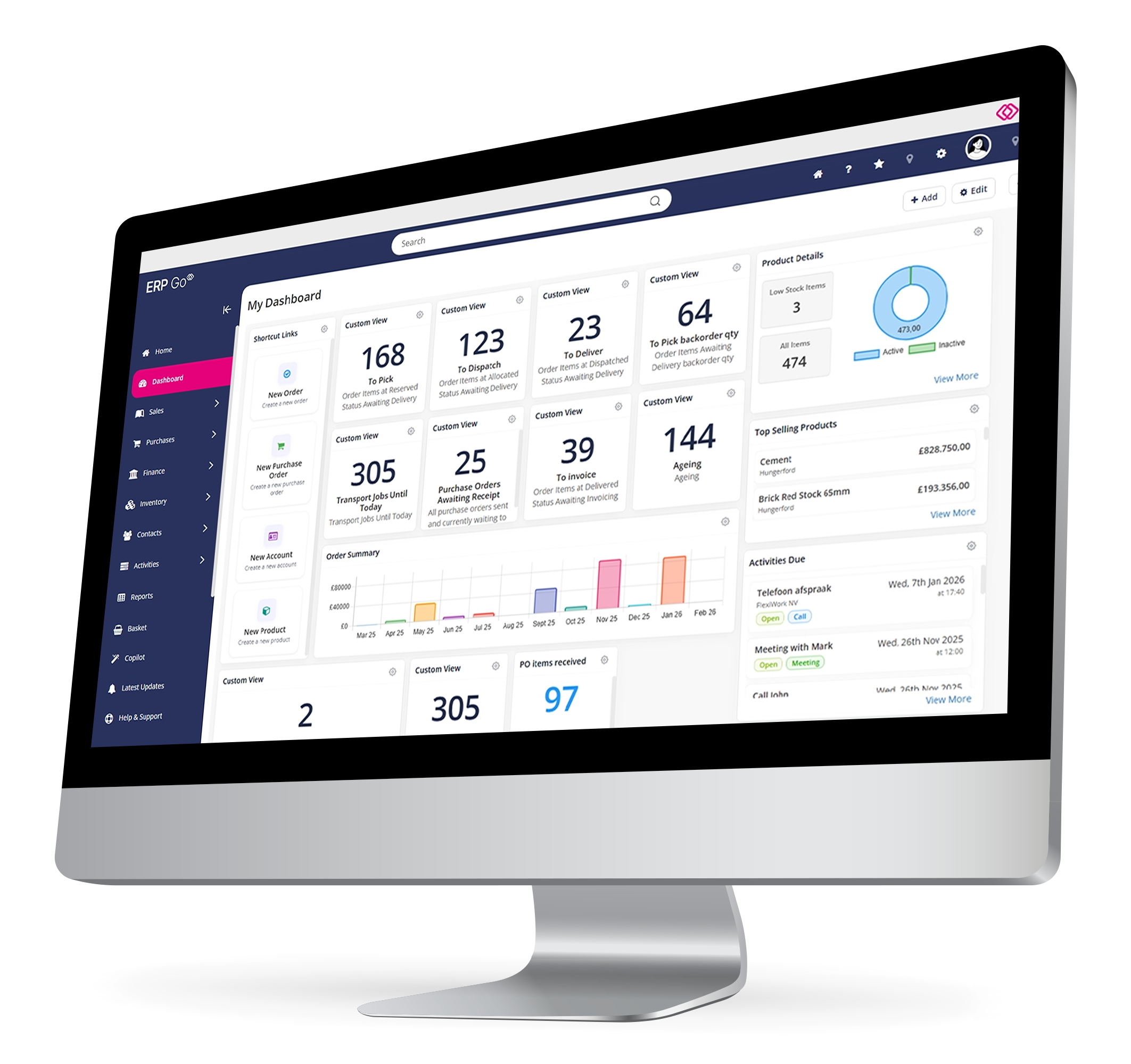
ERP Go solves this by giving you a single, real-time view of stock across your entire operation, from goods received to goods dispatched.
Where businesses typically struggle with stock and inventory control:
I never really know what stock I have unless I physically go and check.”
How ERP Go helps: Get real-time stock availability across all products and locations. Stock levels update automatically as orders are placed, goods are received and deliveries go out. You always have an accurate picture without leaving your desk.
I keep running out of stock before I realise I need to reorder.”
How ERP Go helps: Set minimum and maximum stock levels and reorder points per product. When stock drops below your threshold, the system flags it immediately, turning replenishment from a reactive scramble into a proactive, managed process.
I have cash tied up in stock I can't seem to shift.”
How ERP Go helps: Stock transaction history and purchasing reports surface slow-moving lines and buying patterns. You can see at-a-glance which products are sitting idle and make smarter buying decisions based on real data rather than gut feel.
I don’t have a clear view of what’s been ordered versus what’s actually arrived.”
How ERP Go helps: Track purchase orders and goods receipt in one place, so you always know what’s been ordered, what’s on the way and what has arrived.
Businesses using ERP Go typically see:
- A reliable, real-time view of stock without manual checking.
- Fewer stockouts and less cash tied up in slow-moving inventory.
- More confident purchasing decisions based on accurate data.
- Complete visibility of inbound stock from order to goods receipt.
NEXT UP
PART 2: REPLACING SPREADSHEETS & MANUAL PROCESSES
 Back to the White Papers