Mobile stock counting app for warehouses and distribution
eStockCheck is mobile stocktaking software that helps teams count, check, and update inventory accurately from warehouses, branches, stores, or field locations.

Paperless stocktakes, in real time


Access live stock data on the go from an app that integrates seamlessly with your business management software.

Designed for warehouses, branches, stores and field locations, eStockCheck replaces paper stocktakes with faster, more accurate mobile counting.


Klipboard AI, built for everyday work
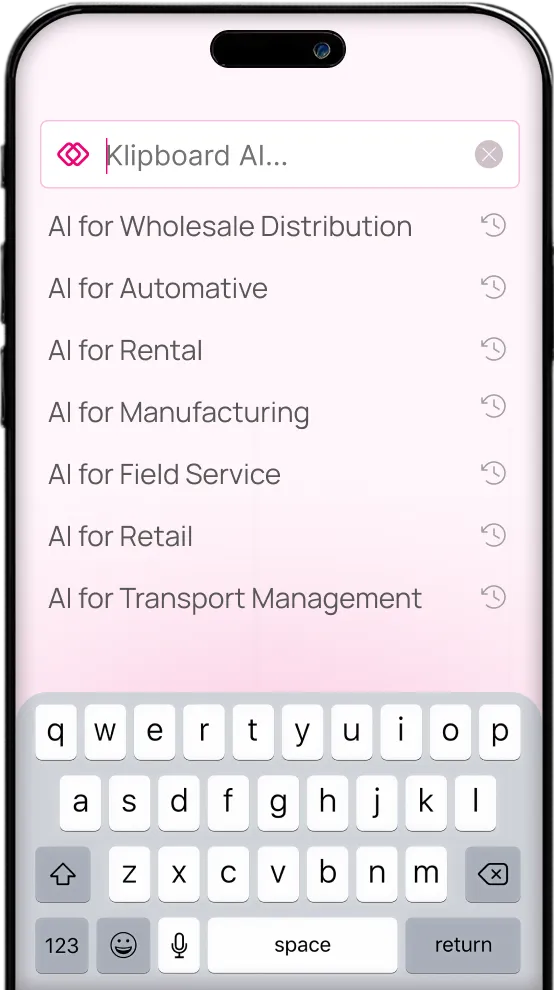
Klipboard AI helps your teams find answers faster, reduce manual searching and make more confident decisions across everyday business workflows.
- Less time spent navigating and searching
- Faster answers across customers, products, stock and orders
- Quicker, more confident decisions at every stage
- More consistent workflows across teams and branches
Mobile stocktaking with live inventory updates
eStockCheck helps teams count stock, access live inventory data and update records directly from an Android mobile device, reducing paperwork and manual re-keying.

Live stock access
Access live stock levels, pricing and availability directly from the app while working in the warehouse, branch, store or field.
Mobile stock counting
Count stock on site using an Android and iOS mobile device and record updates directly into your ERP software.

Multi-user stocktakes
Use multi-user support to speed up checks and help teams complete stocktakes more efficiently.
Bin-specific instructions
Follow bin-specific instructions to reduce counting errors and improve stocktake accuracy.

Connected stock updates
Sync stock revisions automatically with your business software as teams update inventory information.
Offline working
Work uninterrupted in low-signal areas using offline mode, counting and updating inventory from anywhere in the warehouse or branch.
Faster stocktakes with less disruption

Reduce time spent counting
Streamline stocktakes and cut the time it takes to identify inventory gaps and opportunities.

Reduce manual errors
Replace paper records and manual entry with direct mobile updates.

Minimise disruption
Complete stocktakes with less interruption to daily warehouse or branch operations.

Keep stock data connected
Ensure inventory updates are reflected across your business software automatically.

Make better use of your team
Use real-time stock insights to improve warehouse resourcing and productivity.
Greater stocktake flexibility
Give teams the ability to complete stock checks in warehouses, branches, stores or field locations, even where signal is limited.
Explore our products
Explore related ERP and warehouse apps designed to help you improve stock visibility, inventory accuracy, picking workflows and warehouse control.
Payments & cash flow advantage
Repeat orders, contract customers, and account sales require flexible, low-friction payment processes. Payments integrate directly into operational workflows rather than sitting outside the system.
With Klipboard Money, businesses can
- Accept invoice and online payments
- Reduce reconciliation effort
- Simplify payment handling


Let’s optimise your business together
If you’re ready to clean up data, improve processes or unlock new software features, our expert consultants are here to help drive your business forward.