Your Server vs Cloud – Considerations, Trade-Off’s and Costs – Part 4 – Resilience and Continuity
Expectations around system availability continue to evolve.
5 minutes

Resilience and Continuity
Topic On Premises Cloud (Microsoft Azure) Resilience Looking at resilience, larger or more complex setups might have a set of servers with virtualisation using something like VMware to provide some level of resilience to a physical server issue.
However, most customers likely backup an on-premises or datacentre environment to some sort of cloud environment, usually through a dedicated cloud-backup provider. When working with Azure, most “regions” (meaning a location for your resources in the cloud e.g. UK South → London) comprise three “Availability Zones” – that’s three or more datacentres with independent power, cooling and networking.
We can immediately see that this improves our ability to be tolerant of hardware, cooling or networking issues significantly better than relying on a single data centre or on-premises setup. Continuity True disaster recovery (DR) environments typically involve replicating to another datacentre where we then need to think about connectivity to that datacentre too – e.g. if we have an MPLS or SD-WAN connections must also be established so users can access systems if needed.
That might mean the need to duplicate things like firewalls, switches and other physical equipment. This increases overall costs. Resilience in the core infrastructure design of the cloud provides more flexibility in how environments are designed. For example, having the ability to prioritise certain parts of our solution (e.g. the database server is key) means we can replicate that across two zones and not others (lower-priority systems may not need to be included in disaster recovery) – resulting in a more cost-effective solution.
The Azure Site Recovery tool in Azure, which is used for replicating your cloud environment from one region to another, is highly cost-effective. We are just replicating the data rather than standing up a whole infrastructure in a DR region/datacentre. We therefore have very limited upfront and ongoing costs unless we utilise the solution, unlike if we were trying to build our own solution.
In Summary
Traditional server environments often rely on backup strategies and hardware redundancy. While effective, these approaches can require careful planning and ongoing investment.
Cloud platforms offer alternative resilience models, where availability and recovery options are built into the service framework.
This allows organisations to:
- Align availability with business needs.
- Reduce certain hardware-related risks.
- Simplify recovery considerations.
As always, infrastructure decisions depend on operational priorities rather than a single “right” answer.
In the final article, we’ll examine commercial visibility.
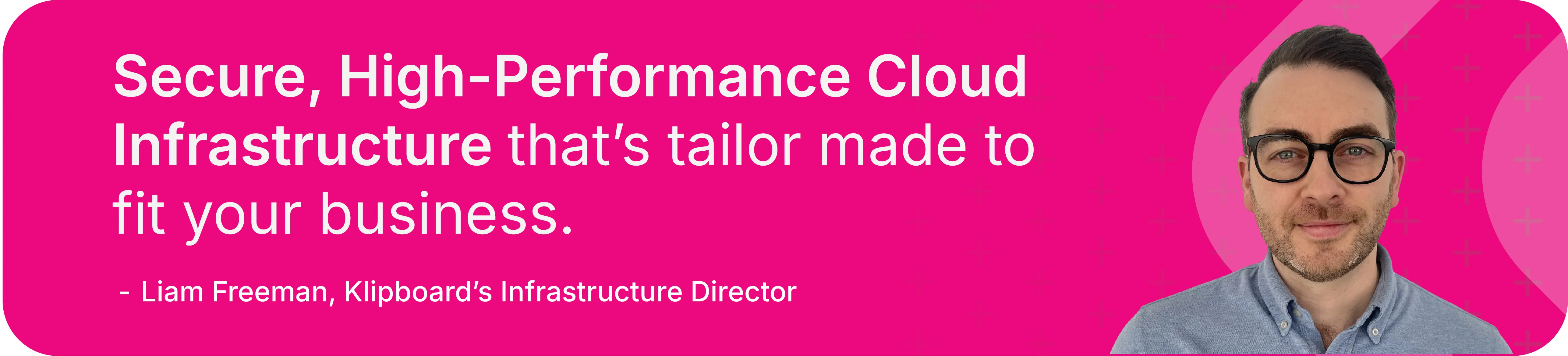
About the author: Liam Freeman is the Infrastructure Director at Klipboard. Klipboard Managed Services, formerly known as Excenta, helps organisations to migrate to, optimise and manage Microsoft Azure and Microsoft 365 environments - on your own terms. Whether you want full end-to-end management or a co-managed model alongside your IT team, our Microsoft-accredited team deliver a secure, high-performance cloud infrastructure that’s tailor-made to fit your business.
Klipboard Managed Services also specialises in managing the cloud environments for companies in the merchant sector, in particular, users of Epicor – BisTrack and Intact IQ application software. Klipboard Managed Services is engaged with more than 50% of Epicor’s UK BisTrack user base, and a growing number of North American BisTrack users. We have extensive experience in providing and managing the Microsoft Azure cloud environments for firms in the merchant sector.
Find out more here: Klipboard Managed Services
Contributors