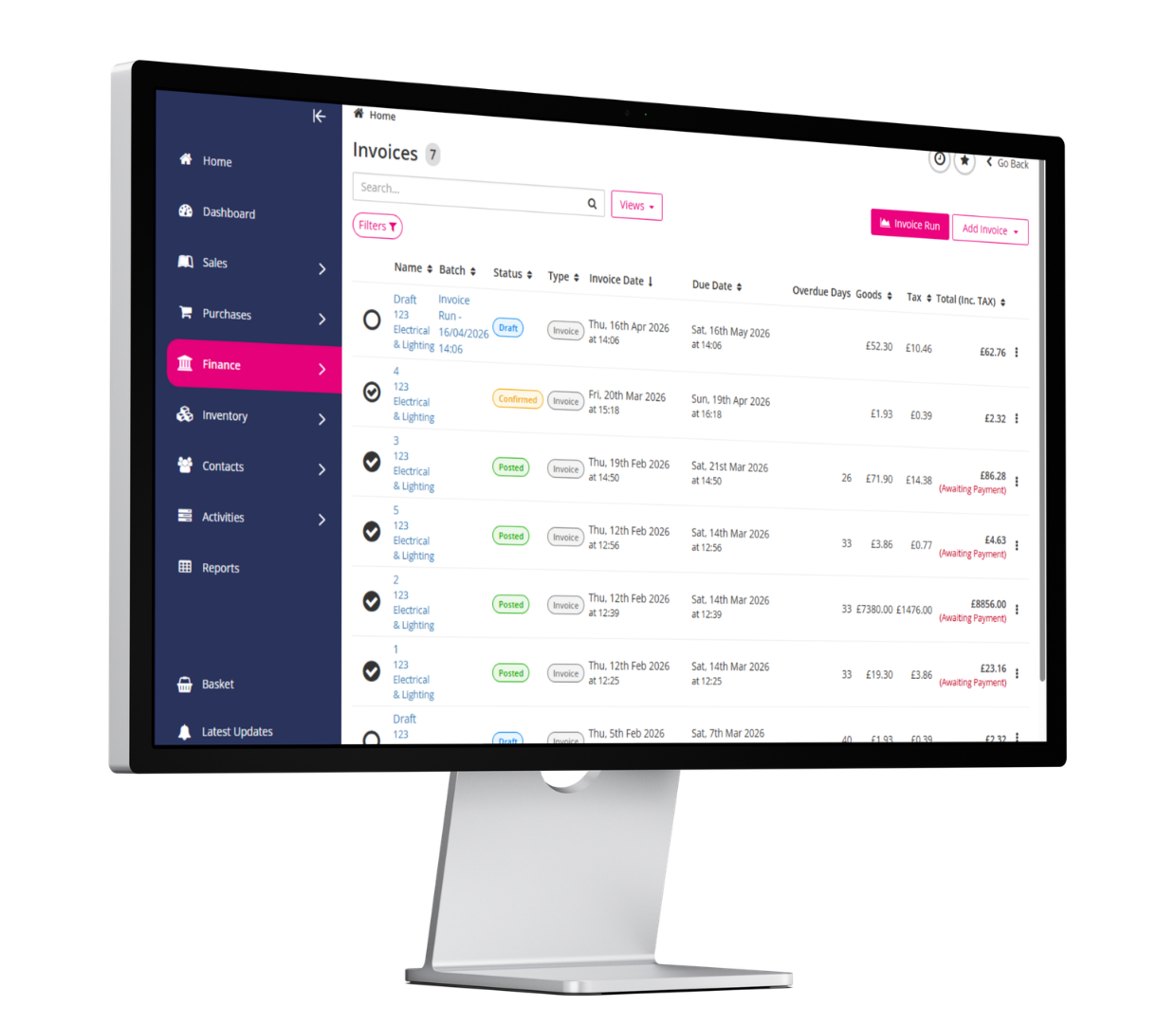
ERP Go connects the entire invoicing and payments process within a single system. Invoices are created directly from confirmed orders, sent in bulk, and tracked through real-time dashboards that make it immediately clear what’s been paid, what’s outstanding and what’s overdue.
Where businesses typically struggle with invoicing:
I send invoices out late and then have to chase customers who say they have never received them.”
How ERP Go helps: ERP Go creates invoices directly from confirmed sales orders and enables bulk email sending with automatic attachments. Unpaid and overdue invoice dashboards give you an immediate view of what’s outstanding, so chasing payments becomes timely and targeted rather than reactive.
My customers get invoiced for the wrong amounts, and it always causes disputes.”
How ERP Go helps: As pricing, delivery and invoicing are all managed within ERP Go, invoices are generated from confirmed orders with the correct prices already applied. Billing errors are significantly reduced because the system handles the connection between what was ordered, what was delivered and what gets charged.
My customers want to pay by card or bank transfer.”
How ERP Go helps: ERP Go integrates with Klipboard Money, giving customers a straightforward way to pay by link, or card directly from their invoice, with no separate payment provider required. Payments are automatically reconciled against the relevant invoice in real time, removing manual matching entirely.
Businesses using ERP Go typically see:
-
Invoices raised and sent faster, directly from confirmed orders.
-
Fewer billing disputes thanks to connected pricing and delivery data.
-
Customers able to pay immediately by link, QR code or card.
-
A real-time view of what’s been paid, what’s outstanding and what’s overdue.
NEXT UP
PART 5: DELIVERIES & PROOF OF DELIVERY
 Back to the White Papers